Back in 2023, I published the D8 Linux Terminal Widget: a way to browse a WordPress site through a terminal-style interface without changing its theme. I have now rebuilt that idea as D8 Konsole. Version 2.0.4 is running here on d8devs.com, with a smaller interface, a clearer command system and more careful handling of content.
This release replaces the old D8 Linux Terminal Widget. If you arrived through the original announcement, use the package and instructions below for the current version.
A smaller terminal that fits the site
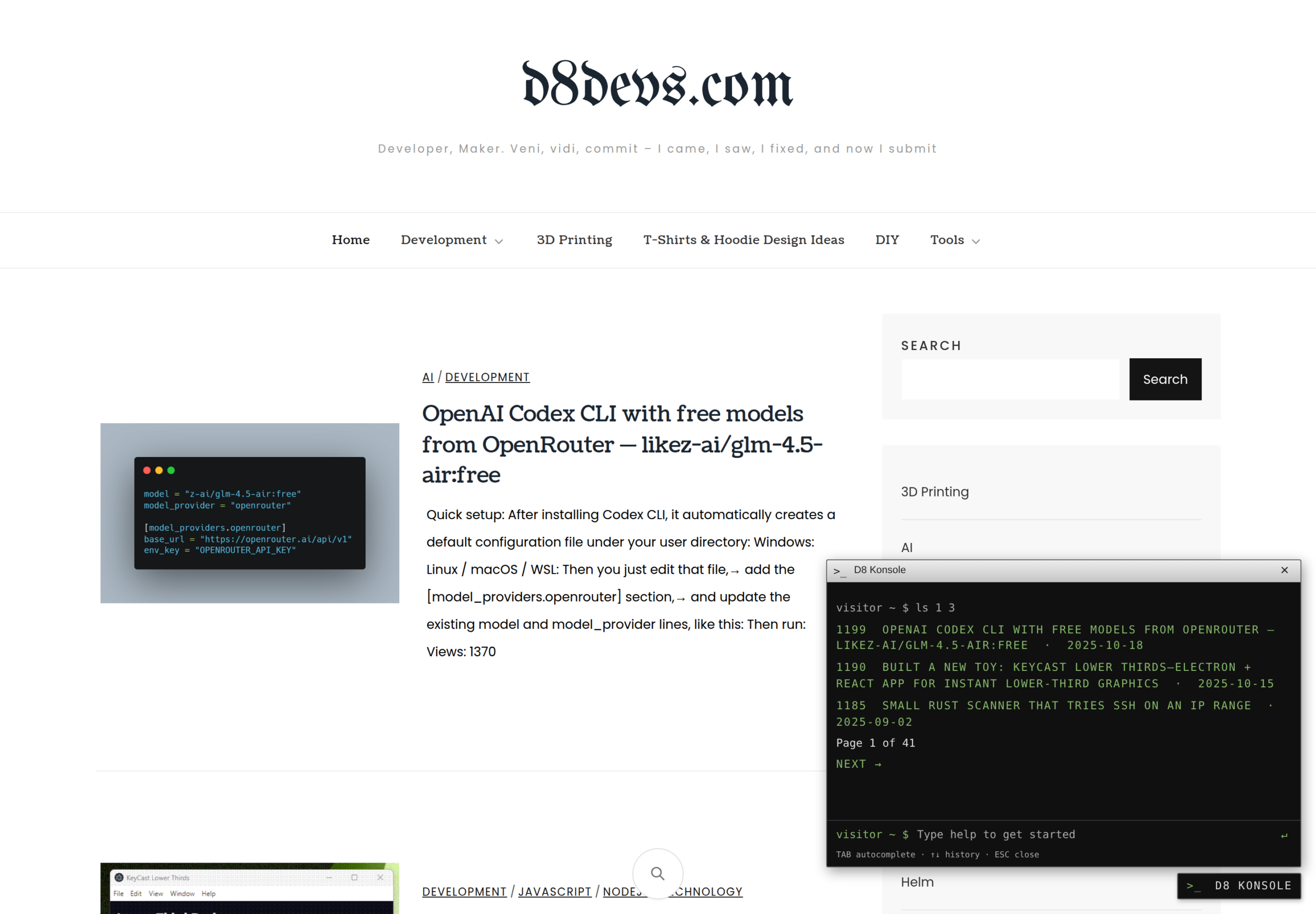
The new widget has a compact silver title bar, a dark console and smaller monospace text. The desktop panel is 520 pixels wide and adapts to smaller screens. It stays out of the way until you open the D8 Konsole button, and works alongside the site’s existing theme.
Browse the blog with a few commands
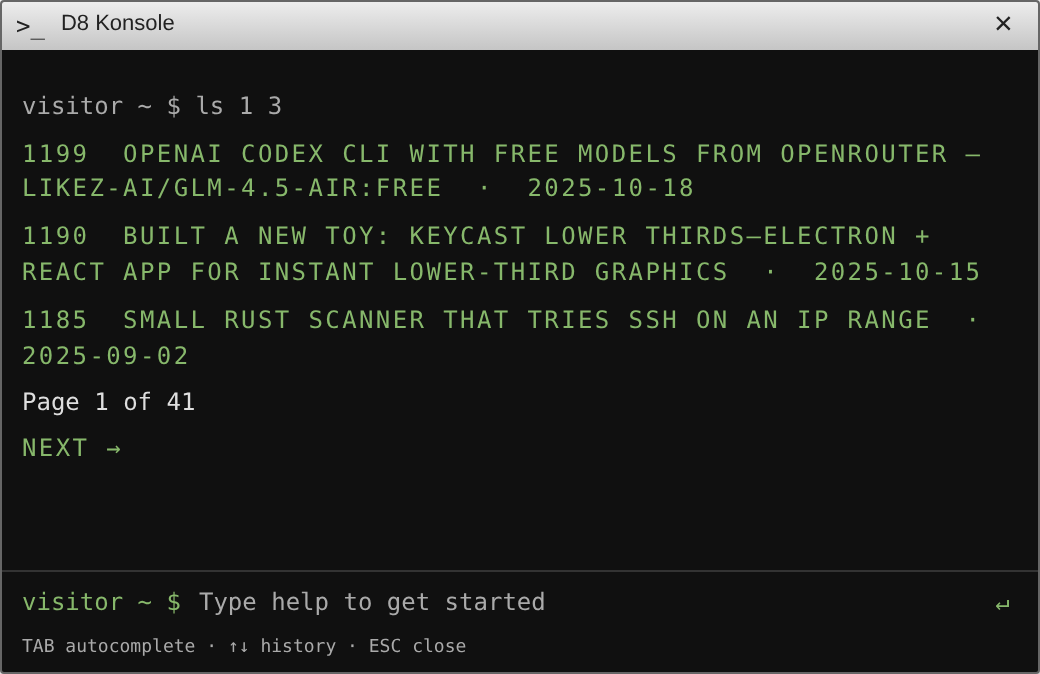
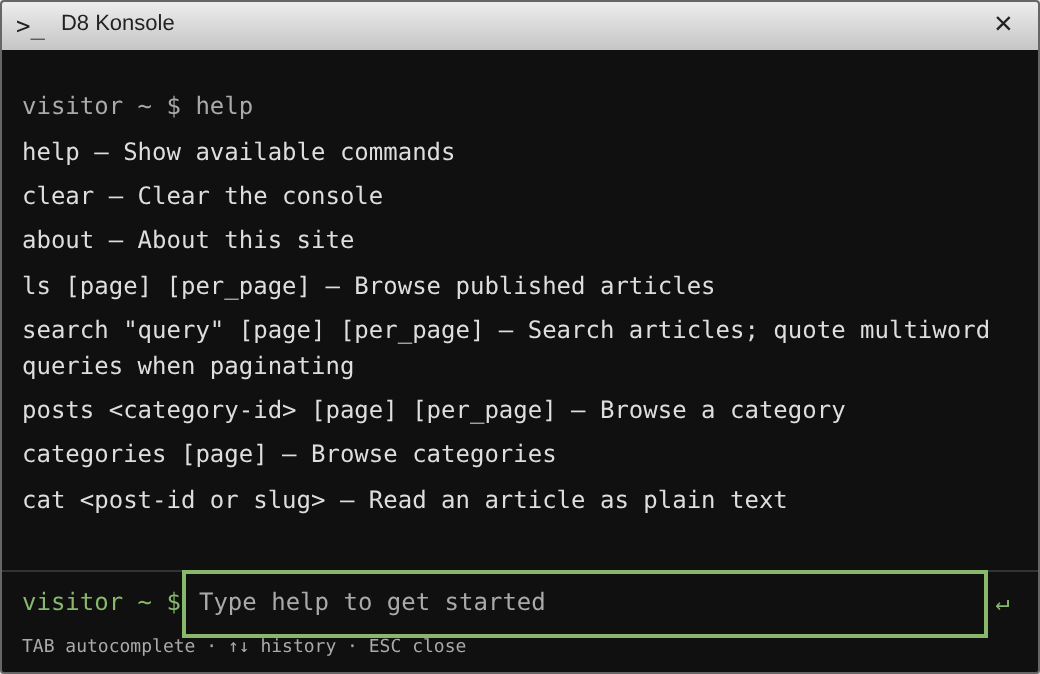
Open the widget and type help to see the command reference. You can list published articles, search the site, browse categories and read an article as plain text.
help
ls 1 3
search "wordpress"
categories
posts 251 1 5
cat d8-linux-terminal-plugin
clear
ls accepts a page number and page size. posts takes a category ID first; use categories to find the IDs on your own site. cat accepts an article ID or slug and includes a link to the original article. The about command shows the site’s title and description.
Tab completes commands, the up and down arrows recall command history, and Escape closes the panel and returns focus to the toggle button.
A terminal interface with a limited job
D8 Konsole is a content browser, not a server shell. Visitors cannot execute Linux commands, PHP or JavaScript, manage files or write to the database through it. Its built-in requests read public, published content from the site’s own WordPress REST API.
Article content is rendered as plain text rather than executed as HTML. Links are restricted to HTTP and HTTPS, command arguments are validated, and requests have timeouts. Input length, history, output and page sizes are bounded. Scripts and styles are bundled locally; the plugin adds no telemetry or third-party runtime services.
Extend it with your own commands
The rebuild also introduces a JavaScript command registry. Developers can register commands from trusted extension code and use helpers for text output, links and public content requests. PHP hooks let extensions control whether the widget is enabled and adjust its public configuration. The API and an example command are documented in the source repository.
This extension API is for developers installing trusted code on their own site. It does not provide an editor for visitors to submit executable code.
Install or upgrade to 2.0.4
- Download D8 Konsole 2.0.4 as an installable ZIP.
- In WordPress, open Plugins → Add New Plugin → Upload Plugin, select the ZIP and install it.
- Activate D8 Konsole, visit a public page and open the terminal button.
The plugin requires WordPress 6.0 or later and PHP 8.0 or later. If you still have the old D8 Linux Terminal Widget installed, back up your site, deactivate the old plugin, then install and activate this package so that only one terminal widget is running.
The release package passed WordPress Plugin Check 2.1.0, including its runtime checks, in an isolated WordPress 7.1.3 / PHP 8.3 environment without reported errors or warnings. PHP syntax checks and five JavaScript DOM integration tests also passed. These checks are useful validation, not a guarantee that software can never have a security issue. The plugin has not yet been approved or listed on WordPress.org.
D8 Konsole is open source. Browse the code or report an issue on GitHub. It is an independent project and is not affiliated with KDE or the Konsole project.
Views: 18